Ethan Crossfield
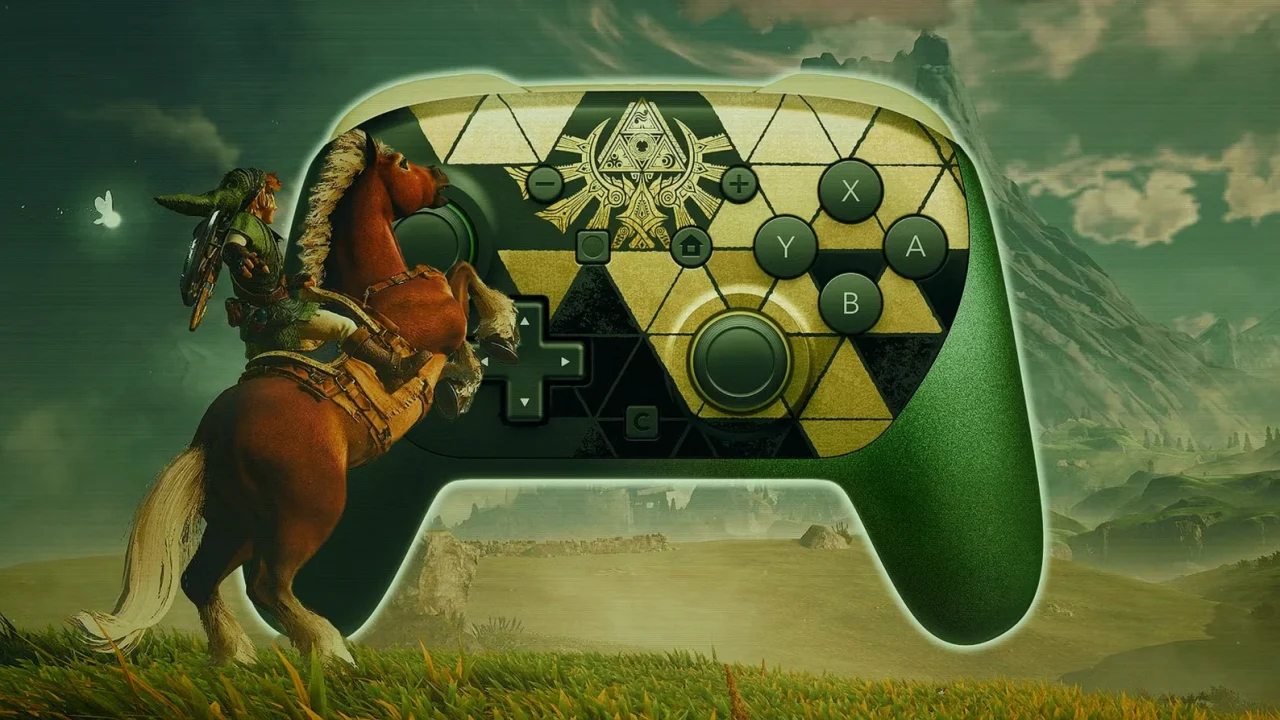
Modern action games increasingly expect players to manage movement, cameras and abilities at the same time, making controller layout a meaningful part of the experience. The Legend of Zelda: Ocarina of Time remake brings that pressure to Nintendo’s classic adventure through its expanded controls, and the Switch 2 Pro Controller offers a practical way to make those additions easier to handle.
A faithful remake with more modern movement
Released on November 5 for Nintendo’s latest hybrid console, the Ocarina of Time remake has earned broad critical praise. It currently holds a 95 average from 51 reviews on OpenCritic, placing it at the top of the site’s 2026 rankings. Reviewers have highlighted how the game preserves the identity of the original while adding improvements beyond its visual presentation.
Those changes include a dedicated jump input, a dash triggered by holding the roll button, and free camera movement on the right stick. Together, they make moving through Hyrule feel closer to newer Zelda releases. The trade-off is that the default layout can force players to shift their right thumb between face buttons and the camera stick during faster traversal, combat encounters or precise platforming.
Rear buttons solve the camera-and-movement squeeze
Nintendo’s Switch 2 Pro Controller includes two programmable rear inputs, GL and GR. Assigning the A button to one of them lets players dash or roll while retaining direct control of the right stick for camera adjustments. That removes the need for an awkward hand position or repeated thumb movement when Link needs to run at full speed and track what is ahead.
The benefit is not limited to sprinting. Because the remake also updates inventory and item-selection functions, the rear buttons can duplicate other commonly used controls without disabling their standard face-button or directional-button inputs. Players can therefore build a layout around what they find most demanding, whether that is jumping, changing equipment, consulting Navi, toggling an accessory, or opening item selection.
For players focused on movement, A for Dash/Roll and X for Jump are the clearest starting assignments. The combination keeps the camera available during both actions, which can make enemy tracking and mid-run jumps less cumbersome.
How players can set up GL and GR
Rear-button remapping is available through the console’s Quick Settings menu, opened by holding the Home button while the controller is connected. The sidebar should then show options for GL and GR customization. If those options are not visible, players may need to enable Button Mapping in Quick Settings through the Switch 2 Accessibility settings.
The feature is not exclusive to the Switch 2 Pro Controller. GL and GR inputs are also available on Nintendo’s Joy-Con 2 Charging Grip and on several third-party gamepads. That gives players more than one hardware route to a control setup that better fits the remake’s expanded input demands.
Key points
- The remake adds dedicated jumping, hold-to-dash movement and right-stick camera control.
- GL and GR can duplicate existing inputs rather than replace standard button functions.
- Mapping A to a rear button supports dashing while the right thumb stays on the camera stick.
- Quick Settings and Accessibility options handle Switch 2 Pro Controller remapping.
Useful rear-button mapping options
| Mapped input | In-game use | Why it helps |
|---|---|---|
| A | Dash/Roll | Run while maintaining camera control with the right stick |
| X | Jump | Jump without moving the right thumb away from camera control |
Expert View
This is a useful example of controller customization becoming part of a game’s accessibility and quality-of-life conversation, not just a premium hardware feature. Ocarina of Time’s updated controls bring welcome modern flexibility, but they also create more simultaneous input demands than the original design. Rear-button support gives experienced players and accessibility-minded users a clearer way to tailor that new system without changing the game’s core feel.