Ethan Crossfield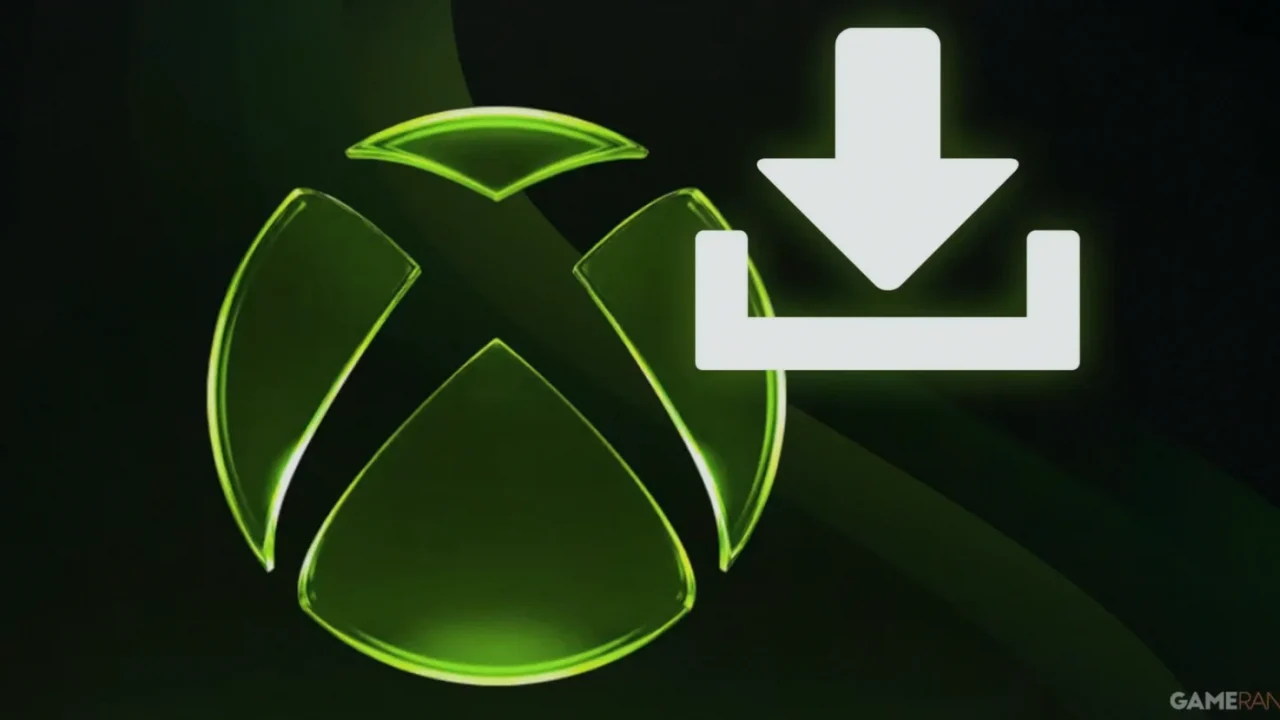
Microsoft has started rolling out a significant Xbox Series X|S update that overhauls the console’s startup experience and adds several quality-of-life improvements—arriving after an earlier Insider preview and at a time when players are increasingly sensitive to how updates affect day-to-day usability.
What happened: Microsoft rolls out the revamped startup experience
Microsoft released a major update for Xbox Series X|S consoles that introduces a redesigned startup animation and accompanying sound, along with a bundle of additional player-facing changes. The company had teased the new bootup screen in mid-May through CEO Asha Sharma, but it initially appeared only for participants in the Xbox Insider Program.
That phased rollout matters because the Insider Program is built for early access: participants help shape the experience by submitting feedback, completing surveys, reporting issues, and joining playtests. In this case, insiders effectively got a preview of the new console startup animation before it reached the broader audience.
When Microsoft began the public rollout on June 10, the update enabled players to see the revamped startup screen whenever they power on their consoles while in Shutdown (energy saving) mode. Alongside the visual change, Microsoft also added new Gamerscore milestone badges that evolve as players increase their score, with tiers spanning from 1,000 up to 10,000,000.
The update also brings new library filters designed to clarify what’s owned versus what’s shared. Microsoft says the filters should make it easier to identify titles that are owned, installed, or no longer accessible—such as games that were previously available through Xbox Game Pass. It also includes compatibility-aware behavior: games that don’t work with the specific device won’t be shown. As an example from the rollout notes, Kinect games are expected to appear only on Xbox One consoles that support Kinect.
Beyond those changes, Microsoft updated the Rewards experience so it can be accessed directly from the Home screen. For Xbox Series X users running consoles in 4K resolution, the update includes sharper Gamerpics and game artwork. Microsoft also implemented bug fixes aimed at game installations, update queues, and dashboard functionality.
Why it matters: smoother UX, better clarity, and fewer friction points
This update targets the everyday moments that can make or break the “it just works” feeling of a console—booting up, managing your library, and navigating systems like Rewards. The redesigned startup animation is the headline, but the supporting features focus on reducing confusion.
Library filtering is particularly important in ecosystems where access can shift—especially with Game Pass and shared ownership. By separating owned and shared content more clearly and excluding incompatible titles, Microsoft is aiming to cut down on the time players spend guessing what they can actually launch.
The inclusion of Gamerscore milestone badges also reinforces the platform’s progression loop, giving players additional goals that scale across a wide range of scores. Meanwhile, the bug fixes aimed at installations, update queues, and dashboard behavior address problems that can stall players long before they even reach a game.
Finally, the phased release—starting with Insiders and then moving to everyone—signals Microsoft’s continued approach to testing changes in the wild before wider deployment, which can help reduce the impact of surprises on the general user base.
What to watch next: Forza Horizon 6 save issues and ongoing patch attention
Microsoft didn’t stop at the June 10 rollout. On June 12, it released another update aimed at Forza Horizon 6, the latest open-world racing entry from Playground Games. Shortly after the game launched on May 19 for Xbox Series X|S and PC, players reportedly encountered a major save problem—saves becoming corrupted or disappearing.
Even with that setback, Forza Horizon 6 reportedly doubled the franchise’s peak Steam concurrent player count during its early access period compared to Forza Horizon 5. Still, the save issue was described as significant enough to heavily hamper player experiences, and Microsoft’s subsequent console update is positioned as a direct remedy.
Looking ahead, players will want to pay attention to whether the Forza Horizon 6 fix fully stabilizes saves and whether any follow-up updates are needed after the initial patch wave. For the broader Xbox user base, the next signal to watch is how consistently the new startup experience and library filtering behave across different ownership and compatibility scenarios.
Practical takeaways for players
- On Xbox Series X|S, the new startup animation and sound are available when powering on while using Shutdown (energy saving) mode.
- Use the updated library filters to better separate owned titles from shared ones and to spot what’s installed or no longer accessible.
- Expect compatibility-aware behavior in your library—titles that don’t work on your device won’t appear (for example, Kinect games require Kinect-supported Xbox One hardware).
- Check the updated Rewards entry on the Home screen, and look for sharper Gamerpics and game artwork on Xbox Series X at 4K resolution.
- If you play Forza Horizon 6, watch for improvements after the June 12 update aimed at save corruption or missing saves.
Expert View
Xbox’s latest update feels like a platform-level push toward clarity and reliability: the redesigned boot animation gets the attention, but the real value is in the library filters, the direct Home access to Rewards, and the bug fixes that reduce the chances of getting stuck during installs and updates. If the Forza Horizon 6 save fix holds, Microsoft can reinforce trust with players at the exact moment they’re most vulnerable to frustration—when a new release’s core progression system breaks.